
Do people still use business cards?
·5 min read
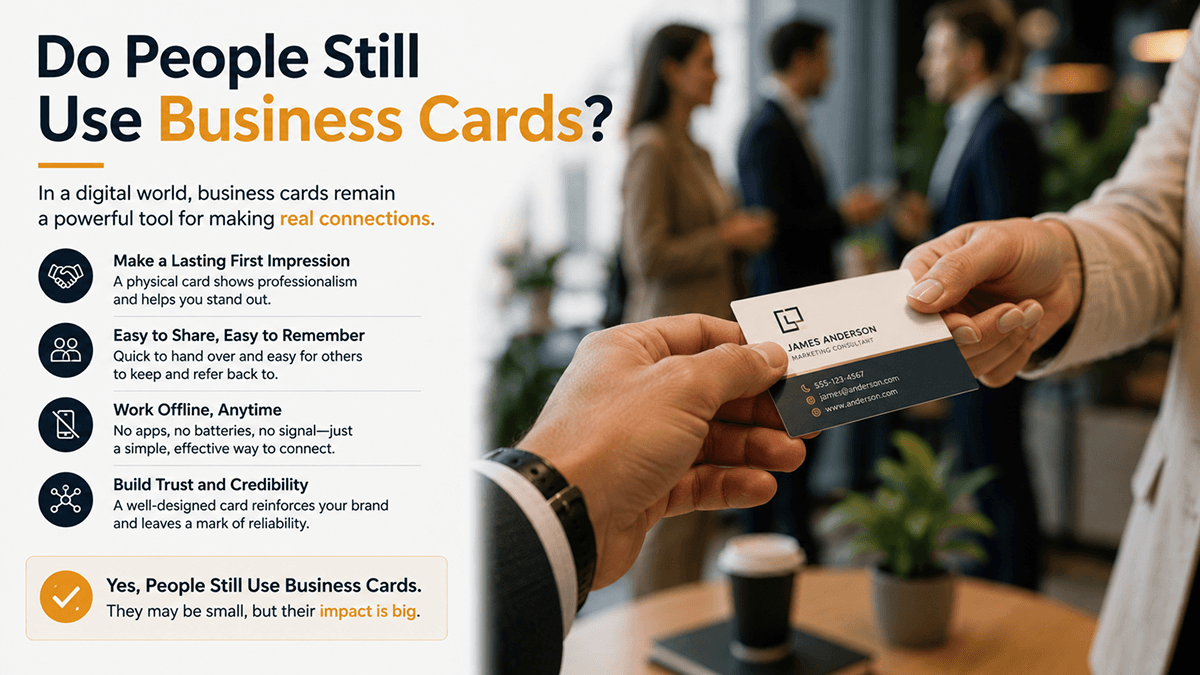
Yes, but less, and differently. Paper business cards are still normal in industries built on face-to-face meetings, at trade shows and in regions where handing over a card is a matter of etiquette. What's changed is that most people now expect a digital option too. A QR code, an NFC tap or a link, because it saves the recipient from typing your details in by hand.
Where paper still makes sense
It's easy to overstate the decline. Paper cards still do a job in a few specific situations, and dismissing them entirely is a mistake:
- Formal business etiquette. In several countries the exchange of cards is a ritual with its own conventions, and skipping it reads as rude rather than modern.
- Trade shows and conferences. Everyone is collecting things all day, and a physical object in a pocket is a reminder that a scanned link isn't.
- Trades and home visits. A card left on a kitchen counter after a job gets found weeks later when something else breaks.
- Poor signal. If the venue's connection is bad, a QR code that needs to load a page is worse than useless.
What people use instead, or alongside
Digital business cards
The most common replacement. A digital business card is a mobile web page holding your contact details and links, shared with a QR code or a link. The recipient taps to save you to their phone without typing anything. Because it's a live page, you can change your role, number or links later and everyone who has your card sees the update.
NFC cards
A reusable plastic or metal card with a chip. The other person taps their phone against it and your profile opens. They look impressive and work well for people who hand out details constantly. The honest caveats: they cost real money per card, they depend on the recipient's phone cooperating, and nearly all of them just open a web page. The same web page a free QR code would open. If you're deciding whether they're worth it, that's the question to sit with.
A QR code on your phone
The cheapest approach that works. Save your card's QR code as a photo, or set it as your lock screen. You always have it, there's nothing to run out of, and nothing to buy.
LinkedIn QR codes
Common at professional events. Fine for connecting, but you're handing someone a profile you don't control, on a platform that decides what they see next. It also only carries your LinkedIn presence, not your booking page or portfolio.
An email signature
Easy to forget, but for most office workers it is the business card they hand out a hundred times a week. A signature with your name, role, company, phone and one or two links does the same job as a card for everyone you already email, and it never runs out. It also pairs naturally with a digital card: put the card's link in the signature and every message carries a way to save your details.
The practical answer: carry both
The approach most people land on is a hybrid. Keep a small stack of paper cards for the situations above, and put a QR code on the back pointing at a digital card. Whoever you're meeting takes whichever they prefer, and you stop having to guess.
What's actually changed
The shift isn't really paper versus digital. It's that a business card used to be the end of an interaction, and now it's usually the start of one. A card that only holds a phone number does one job. A card that also links your booking page, your work and a way to message you does several, and if it captures an email address, you leave the conversation with a contact rather than a hope.
If you want to try the digital side, Blyn's card is free: build it in the browser without an account, publish it, and download the QR code to put on your paper cards. Unlimited links, one-tap contact details, email capture, lead forms and click analytics are all on the free plan. Most templates show a small "Made with Blyn" badge in the page footer.
Build your free page in about a minute
Unlimited links, lead capture, click analytics and a QR code, all on the free plan.
Try it free